Server monitoring vs website monitoring: what's the difference
· 6 min read
Server monitoring watches the machine inside (CPU, RAM, disk), website monitoring watches the service from outside. When you need which, and how they pair.
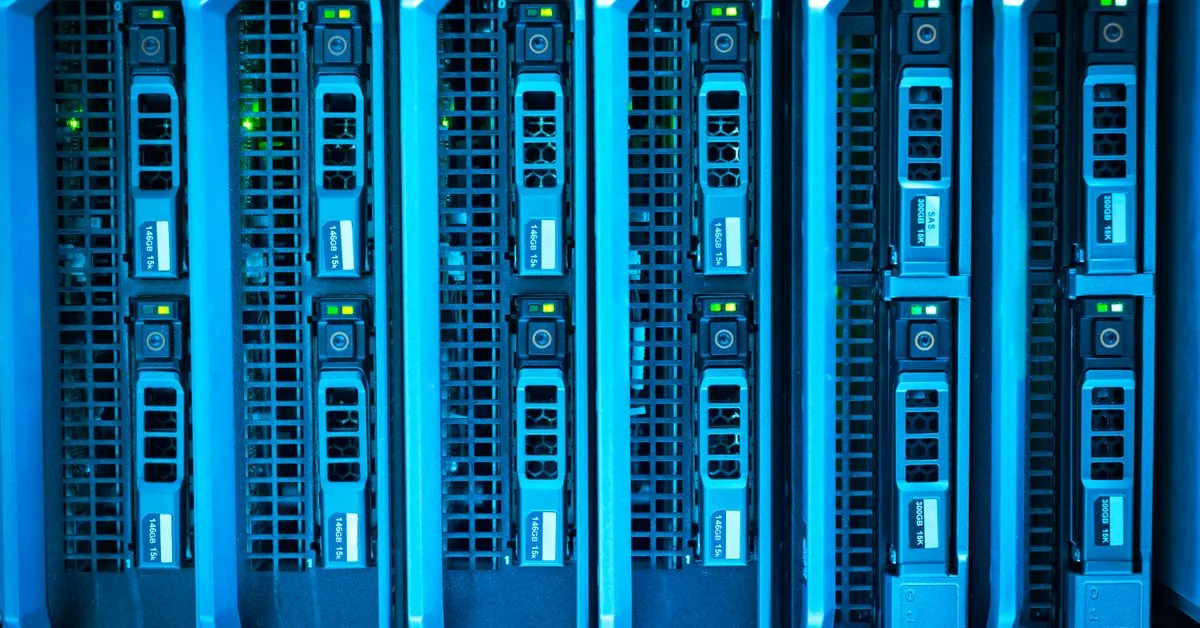
Two teams can both say they "monitor their infrastructure" and mean completely different things. One is watching CPU graphs on a dashboard. The other gets a text message the moment a customer cannot load the checkout page. Both are useful. Neither replaces the other.
This article explains the practical difference between server monitoring and website monitoring, when you need each, and how a healthy setup uses both.
Server monitoring: watching the machine from the inside
Server monitoring (often called host-level or infrastructure monitoring) runs an agent on the machine and reports what is happening inside it:
- CPU usage and load average
- RAM and swap usage
- Disk space and I/O
- Network throughput
- Running processes and services
Because the agent sits on the host, it sees things no outside check ever could. It knows a disk is 95% full before the database refuses writes. It knows a memory leak is climbing for hours before the process gets killed. This is white-box monitoring: you have full visibility into the internals.
The trade-off: an agent only tells you about the box it runs on. If the server is healthy but a firewall rule, DNS record, or upstream load balancer breaks, the agent happily reports "all green" while your users see an error page.
Website monitoring: watching the service from the outside
Website monitoring (also called external, black-box, or synthetic monitoring) checks your service the same way a real visitor would: from outside your network, over the public internet.
Typical external checks include:
- HTTP/HTTPS - does the page return 200 and the expected content
- TCP - is a port open and accepting connections
- Ping/ICMP - is the host reachable
- SSL certificate - is it valid and not expiring soon
- DNS - does the name resolve correctly
This is black-box monitoring. You do not know why something broke, only that, from the customer's point of view, it did. That perspective is exactly the point. It catches whole classes of failure that an on-host agent is blind to: expired certificates, DNS misconfiguration, CDN problems, routing issues, and full-server crashes where the agent itself goes down with the box.
Side by side
| Server monitoring | Website monitoring | |
|---|---|---|
| Vantage point | Inside the host | Outside, over the internet |
| Style | White-box | Black-box |
| Sees | CPU, RAM, disk, processes | HTTP, TCP, ping, SSL, DNS |
| Best at | Early warning, root cause | Real user experience, outages |
| Blind to | DNS/CDN/routing failures | Internal resource exhaustion |
| Needs an agent | Yes | No |
They are not competitors, they are layers
The mistake is treating this as an either/or choice. The strongest setups run both:
- External checks tell you that users are affected, fast, from several locations.
- Server metrics tell you why, so you can fix the actual cause.
A real example: external monitoring fires an alert that your API is timing out. You open server metrics and see disk I/O pinned at 100% because a log file filled the volume. The outside check found the symptom; the inside agent explained it. Together they turned a vague "the site is slow" into a clear, actionable incident.
Where ePulz.io fits
ePulz.io is built around external, black-box monitoring done well. Checks run from three independent EU probes, and an outage is only declared when at least two of the three agree, so a single flaky network path does not page you at 3 a.m. You get 9 monitor types (HTTP, TCP, ping, SSL, DNS and more) at intervals down to 1 minute, depending on plan.
For the cases where you genuinely need a view inside your own network - a server, a NAS, a printer, a service that is not exposed to the internet - ePulz.io offers a LAN agent. It runs inside your network and reports reachability of internal hosts back to the same dashboard, without opening anything to the public internet. That gives you the external customer's-eye view and an internal view in one place.
A reasonable rule of thumb:
- Use external monitoring for everything a customer touches. Always.
- Add server-level metrics (via your hosting provider, a dedicated agent, or our LAN agent for internal targets) when you need root-cause detail or want early warning on resource limits.
Getting started
If you have nothing today, start with the outside view, because that is the one your customers care about. Set up an HTTP check on your main domain and an SSL check on your certificate. Then add internal visibility where it earns its keep.
Want to verify a port is reachable right now before you set up a monitor. Try the free port checker. When you are ready for continuous coverage, see how uptime monitoring works and our plans. The 7-day trial is free and needs no card.
Try ePulz.io free - 7 days, no credit card needed.
Create account